
Clock in and out from the Staff app — on site, with one tap
- Clock in and out from the app's Home screen
- Geofenced locations you draw on a map
- Location checked once and never stored
- Clock entries reviewed alongside the rota
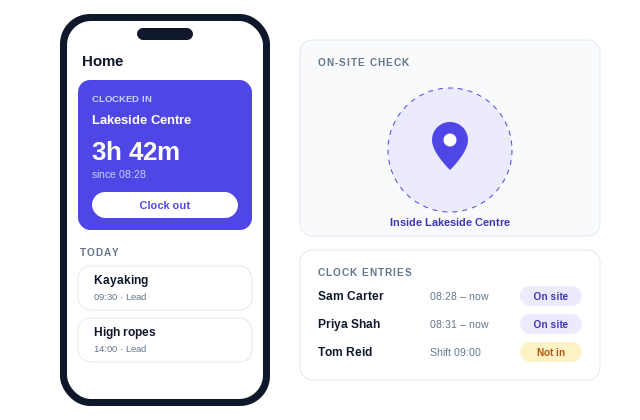
One tap at the start of the day
- A Clock in card sits at the top of the app's Home screen. Once clocked in, it shows the centre, the time and how long they've been working, with a Clock out button.
- Staff who work at several centres pick the centre first, and can only be clocked in at one place at a time.
- If they can't clock in, the app says why — for example, that they don't have a shift here today.
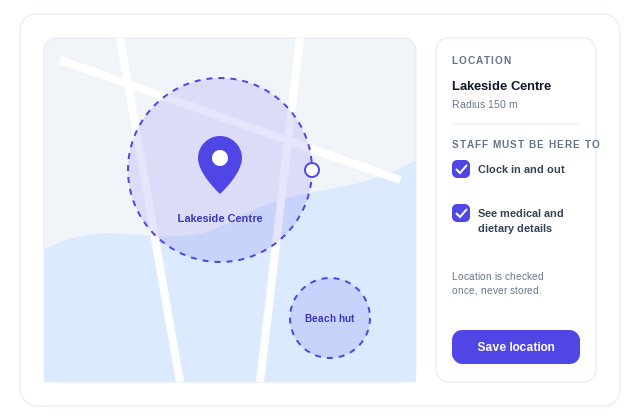
Geofences that fit your site
- Draw each of your sites on a map: drop a pin, drag the circle to size it, or paste coordinates from Google Maps.
- Tick a location for clocking in, and staff must be inside it, on their phone, to clock in or out.
- No locations? Staff can clock in from anywhere, including the web version of the app.
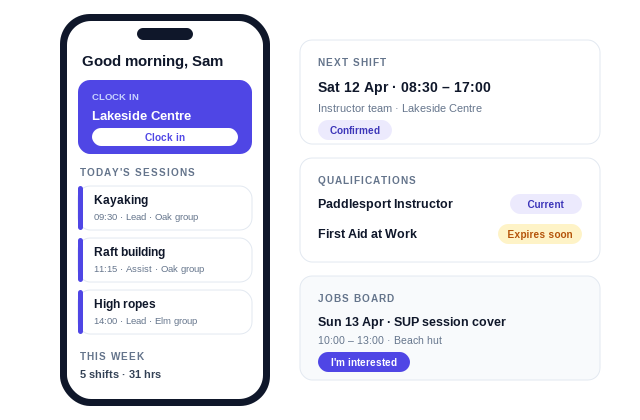
Respectful of your team's privacy
- The app checks a staff member's position once, when they tap the button, and then throws it away.
- Only the name of the location is kept with the clock entry. Staff are never tracked in the background.
- The same locations can limit guests' medical and dietary details to staff who are on site.
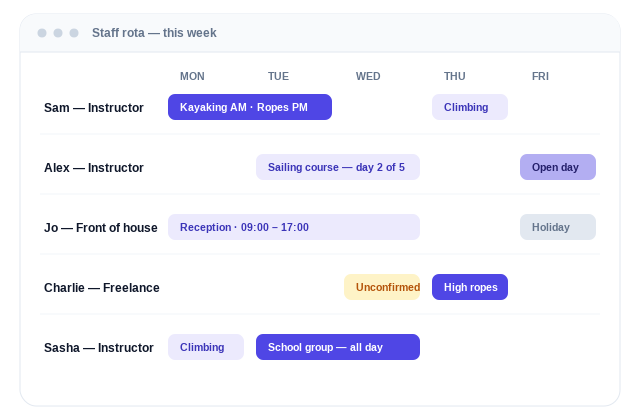
Hours you can act on
- Choose whether staff can clock in only on days they have a rota shift, or on any day.
- Review and correct clock entries next to the rota in Cinolla.
- Use them with timesheet reporting to drive your payroll process.
Staff App
More in the Staff app
Staff App overview
Everything the Cinolla Staff app does for your team.
Read more →Shifts, sessions and availability
The rota, each session's details, availability, holiday requests and the Jobs Board.
Read more →Qualifications and certificates
Staff see what they hold and when it expires, and upload certificates from their phone.
Read more →Ready to transform your activity centre?
Book a demo with our team today
Who it's for
Built to suit a huge range of operators
One platform, tailored to the way your sector actually works.